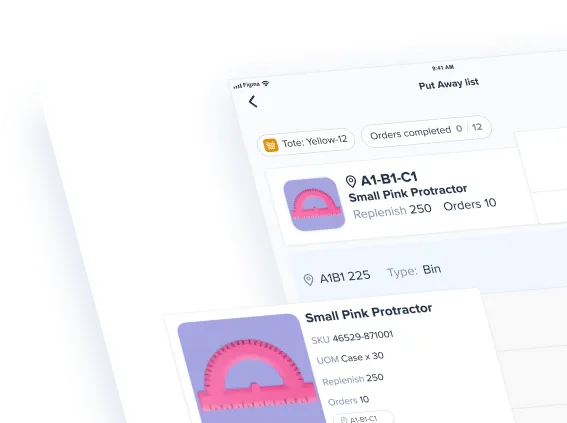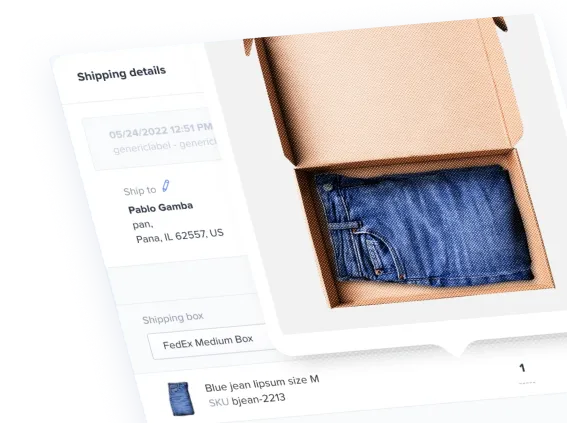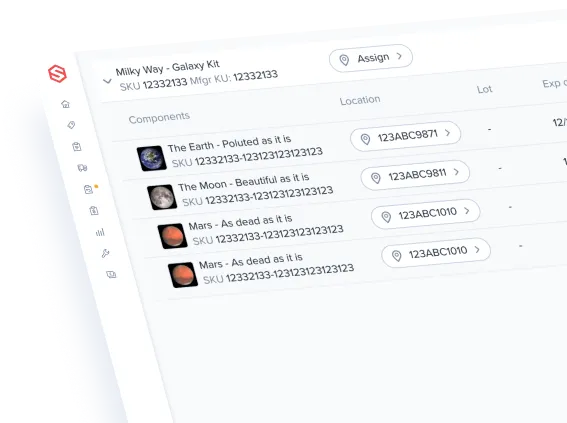


Stock perfect. ShipHero tracks every unit by client, warehouse, and bin, so the count in your system matches the count on your shelf.
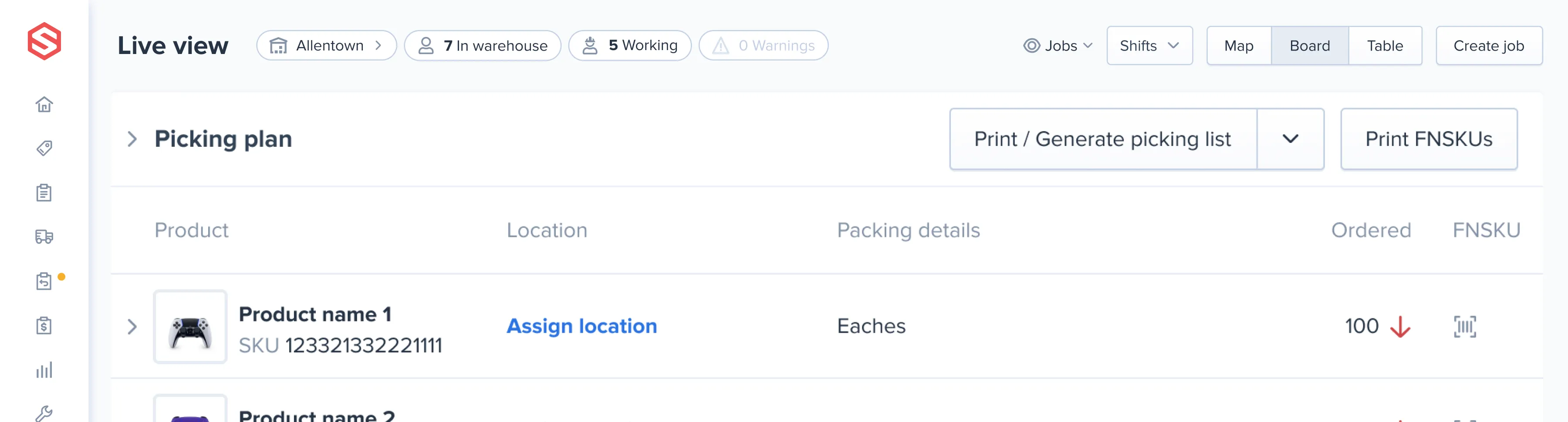


Count a few locations every day instead of closing for a full physical inventory. The cycle count dashboard shows every variance, and managers can approve it or assign a recount on the spot.

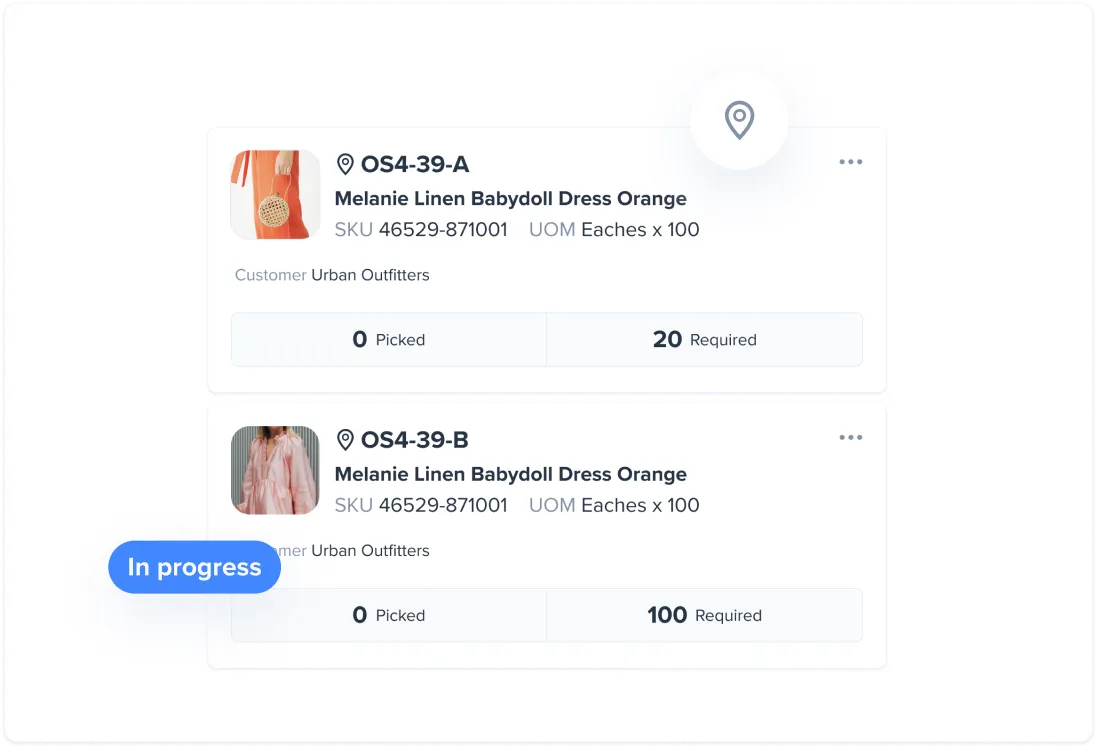
Set a reorder level for each SKU. ShipHero sends a low stock notification when on-hand drops below it. Purchase orders are generated for you, so receiving and putaway are ready when the stock arrives.
See on-hand, allocated, available, and backordered quantities for every SKU in every warehouse. Multi-Warehouse Allocation rules decide which warehouse fills each order. Warehouse-to-warehouse transfers keep stock where demand is.
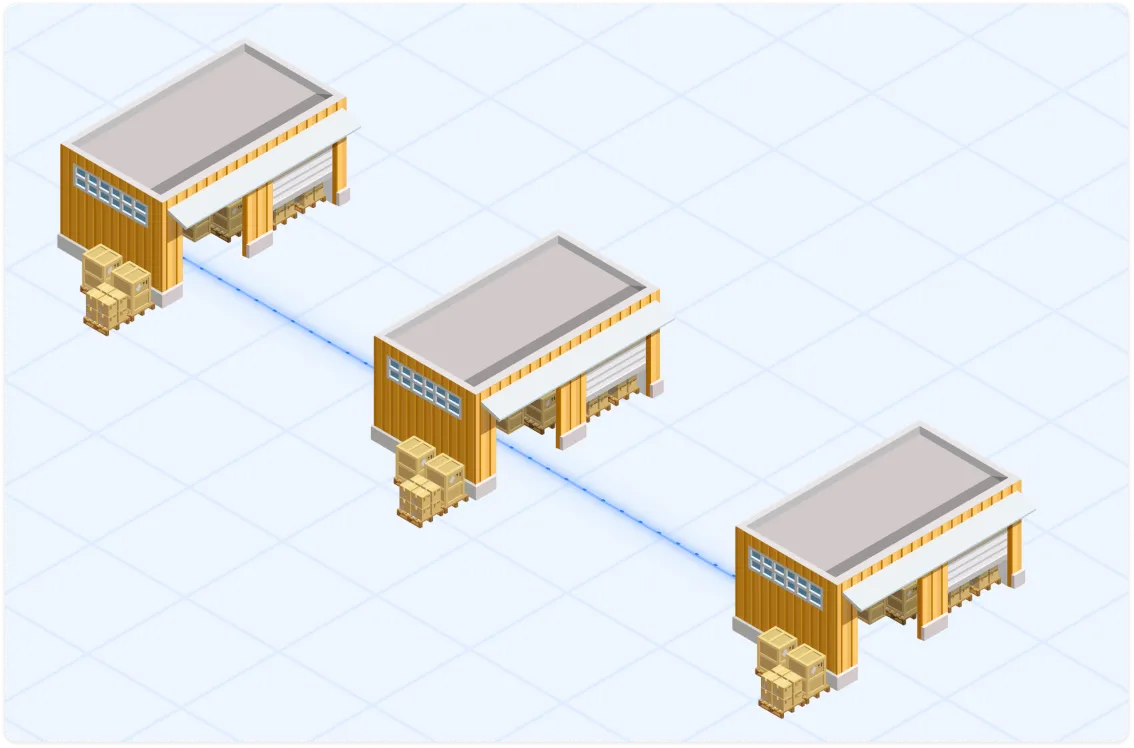
Every SKU and every unit in ShipHero belongs to a client account. Store many clients in the same building, even the same aisle, without mixing their counts.
See ShipHero WMS for 3PLs
Receipts, moves, adjustments, and shipments are logged against the client that owns the stock.
Clients check their own stock, orders, and inbound shipments without emailing your team. Filter inventory and activity history down to a single client.
3PL Billing turns storage, picking, shipments, returns, and ad hoc work into charges for each client.

Reorder levels and low stock notifications flag SKUs before they hit zero. Replenishment levels keep pick locations full from overstock.
Sell Ahead lets you sell inbound stock before the truck is unloaded.
Kit availability is calculated from component stock, so bundles do not oversell. Non-sellable bins stay out of the counts sent to your stores.
Barcode scans confirm the item at receiving, picking, and packing.
Lot and expiration tracking controls which batch ships. Serial numbers tie a specific unit to a specific order. Cycle counts catch variances before they become short picks.
The ShipHero MCP connects Claude, ChatGPT, and other AI clients to your live ShipHero data. Ask a question in plain English and get the answer from your own account. No reports. No exports.
How the ShipHero MCP works"Which SKUs are running low across all warehouses?"
"What is the on-hand level for SKU ABC-123 in each warehouse?"
"Which purchase orders are expected to arrive this week?"
Utilize your live data to forecast and make informed business decisions, free from the constraints of default reports.
"Build a reorder list for every SKU under 30 days of cover."
It answers questions and changes nothing. Read-write access is opt-in, and the level is enforced at the API.
Available to every customer at no additional charge. AI queries use their own credit pool, so they cannot slow your production integrations.
Personal information is a separate permission.
A count only helps if every system agrees on it. ShipHero pushes available stock to your sales channels and sends order and billing data to your back office.
See all integrationsEcommerce and marketplaces: Shopify, Amazon, Walmart, BigCommerce, WooCommerce, eBay, Etsy, TikTok Shop
ERP and accounting: Oracle NetSuite, Brightpearl, QuickBooks Online
EDI and B2B: SPS Commerce
Planning: Inventory Planner
Carriers: UPS, USPS, FedEx, DHL
AI clients: Claude, ChatGPT, Cursor, and Codex through the ShipHero MCP
Custom: a public API for everything else
Sell bundles and multi-packs under one parent SKU.
Capture a unique ID for each unit.
Trace shelf-life products from receiving to shipment.
Hold damaged or quarantined stock out of available counts.
Take orders against inventory that is on its way.
Track pallets, cases, and eaches as linked SKUs.
Inventory management tracks what you have and where it is. Warehouse management also runs the work around it: receiving, picking, packing, shipping, and labor. ShipHero does both in one system, so counts update as the work happens.
Schedule a demo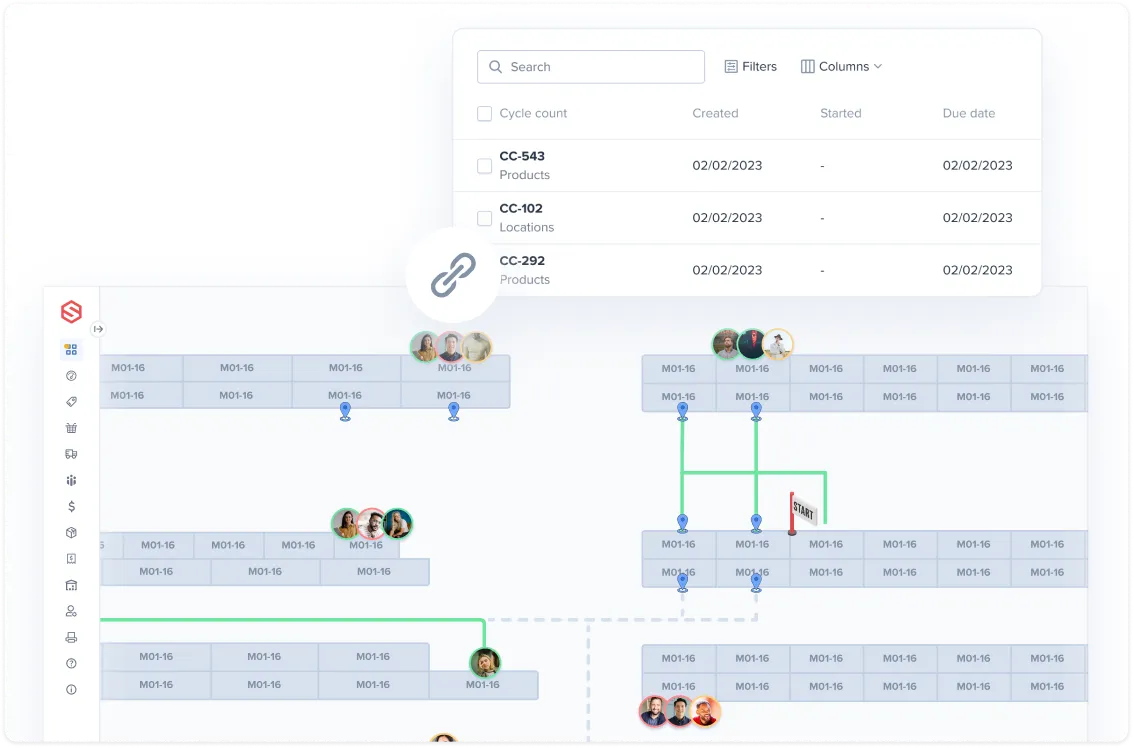
Inventory management software tracks stock levels, locations, and movements across one or more warehouses. ShipHero adds receiving, cycle counting, replenishment, and purchase orders, and it serves both 3PLs and ecommerce brands.
Inventory management covers what you have and where it sits. A WMS also directs receiving, picking, packing, and shipping. ShipHero is a WMS with inventory management built in.
Yes. Each client has its own account, and every SKU, unit, and transaction is recorded against the client that owns it. Clients can share warehouse space while their counts, reports, and bills stay separate.
Yes. ShipHero shows on-hand, allocated, available, and backordered quantities by SKU and by warehouse. Multi-Warehouse Allocation rules route each order to the right location.
ShipHero connects to Shopify, Amazon, Walmart, BigCommerce, WooCommerce, eBay, Etsy, and TikTok Shop. On the back-office side it integrates with Oracle NetSuite, Brightpearl, and QuickBooks Online. QuickBooks Online receives invoices created from ShipHero 3PL bills.
Reorder levels trigger low stock notifications before a SKU runs out. Replenishment levels keep pick locations stocked, and kit availability is calculated from component inventory so bundles are not oversold.
Barcode scanning verifies each item at receiving, picking, and packing. Lot, expiration, and serial tracking control exactly which unit ships. Cycle counts correct variances before they cause a short pick.
Yes. Lot and expiration dates are captured at receiving and follow the product through storage and shipment. Serial numbers can be enabled per product.
Yes. The ShipHero MCP connects AI clients such as Claude and ChatGPT to your live ShipHero data. Ask for stock levels, low-stock SKUs, or inbound purchase orders, then have your AI tool project when a SKU will run out. It is read-only by default and included at no additional charge.