
.svg)

Connect ShipHero to your favorite AI client. Ask operational questions in plain English and get instant, read-only answers from your live warehouse data.
.svg)
The ShipHero Model Context Protocol (MCP) connects supported AI clients directly to your live ShipHero data, so warehouse teams can ask questions and get specific answers from their own account. It is built for day-to-day operational checks, including inventory levels, open orders, shipment status, holds, returns, purchase orders, and exceptions. For ShipHero customers, it is available at no additional charge and draws on its own pool of API credits, separate from the ones your production integrations use.
Every order, shipment, inventory movement, hold, return, and purchase order creates data inside ShipHero. Your warehouse information is right there, but getting to it can be a slow, complex process.
Before the ShipHero MCP, answering a specific operational question often meant logging in, finding the right report, applying the right filters, exporting data, or asking the one person on the team who knew where to look.
Even when the answer was simple, like a quick inventory check, it could turn into a 20 to 45 minute task. A customer question could sit half a day while someone pulled the right numbers. That delay adds friction to the floor. It slows decisions. It keeps teams waiting on data they already own.
The ShipHero MCP gives supported AI clients secure, read-only access to live ShipHero data.
That means operators can ask questions in plain English and get answers from their actual account, not from a generic help article or static knowledge base. A chatbot can tell you where to find a number. The ShipHero MCP can return the number itself.
It works with MCP-enabled AI clients, including Claude, ChatGPT, Cursor, and Codex. Connect it once, authenticate access, and your team can start asking operational questions from the AI tool they already use.
The workflow is simple:
The MCP does not replace ShipHero. It makes the data inside ShipHero easier to reach when your team needs a fast answer.
The ShipHero MCP is designed for everyday operational questions, such as:
If the data lives in your ShipHero account, the MCP gives your team a faster way to ask for it.
Speed matters, but safety matters too.
The ShipHero MCP is read-only by design. It can retrieve information from your account, but it cannot create orders, modify records, delete data, or change warehouse settings.
That gives teams a practical way to use AI for operational visibility without risking accidental account changes. Operators can ask. Managers can check. 3PL teams can answer client questions faster.
The data becomes easier to use, while the records stay protected.
Read-only is the foundation. Three more controls matter when you are deciding whether to point an AI client at live warehouse data.
Read-only is enforced at the API. This is not a setting an admin can switch off or a prompt can talk its way around. Requests that would change data are refused by the server, so there is no configuration to get wrong and no instruction that turns a read into a write.
Customer personal information is a separate permission. ShipHero treats PII as its own scope. Without it, protected fields such as customer emails, phone numbers, and tax identifiers come back empty, while the operational data in the same query resolves normally. An agent can tell you which orders shipped late yesterday without ever seeing who they went to.
Access is scoped and revocable. Agent tokens are issued through OAuth 2.0 with PKCE and carry only the permissions granted at authorization. Twenty read scopes and sixteen write scopes cover separate areas of the account, so a token can be narrowed to a single data area. Any token can be revoked at any time.
Underneath all of it, ShipHero is SOC 2 Type 2 audited and attested, GDPR compliant, and supports MFA and SAML2 single sign-on. Our Trust Center documents the full security and privacy program.
For the technical detail behind each of these, see the ShipHero AI Toolkit and Scopes documentation.
For founders, the MCP can turn a quick inventory check into a simple question.
For operations leads, it can surface shipment status, holds, exceptions, and low-stock SKUs without digging through reports.
For 3PL operators, it can help answer client questions faster, using live account data instead of manual follow-up.
The result is a faster way to reach the information already inside ShipHero.
The ShipHero MCP is available to all ShipHero customers at no additional charge. It draws on a dedicated AI Toolkit credit pool, separate from the credits your production integrations consume, so AI usage cannot throttle the systems running your warehouse. Specific, well-scoped questions still use fewer credits and come back faster.
To get started, visit the ShipHero AI Toolkit documentation or contact your ShipHero account representative.
.webp)
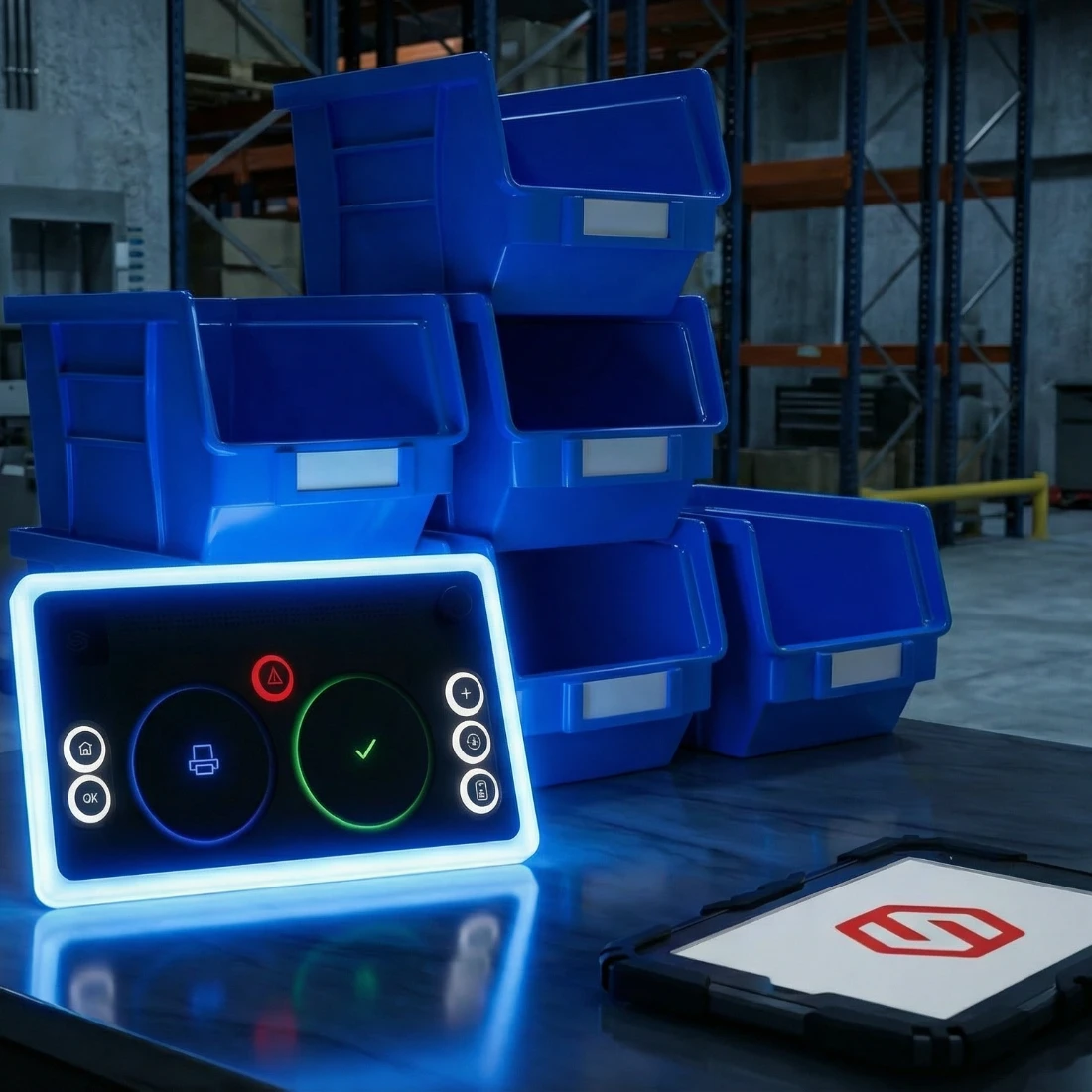
Why Keyboards Are Killing Your Pack Line (And What to Do About It). Stop losing throughput to keyboards and mice. ShipHero's Tap-to-Pack replaces screen navigation with an 8-button industrial controller built for 99.9% packing accuracy.
.svg)





.svg)



.webp)